
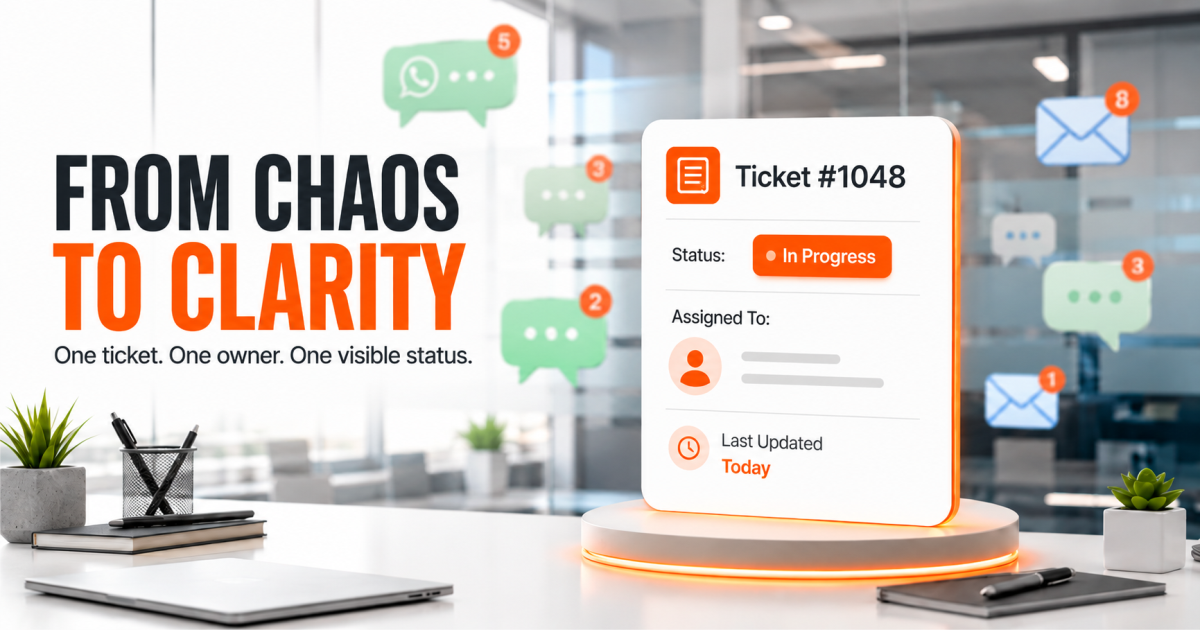
One person answers customer questions on WhatsApp and email — usually the founder or a single ops person wearing the support hat. This works when the customer base is small. It stops working the moment ticket volume crosses ten or fifteen a day. Messages pile up across three different threads. A customer asks the same question twice because the first message got buried. By the time someone replies, that customer has already messaged asking why no one got back to them.
Quick Answer
A customer self-service portal is a dedicated space where customers raise support tickets, track status, and find answers without waiting on a reply. Instead of a WhatsApp thread that disappears into the scroll, every issue gets a ticket, an owner, and a status the customer can check themselves. For growing B2B teams still running support over WhatsApp and email, this is where response time quietly erodes and customers start comparing you to competitors who reply faster.
The real cost of running support on WhatsApp and email
This is not a communication problem. It is a structure problem. Support conversations happening on WhatsApp, email, and calls at the same time create four specific failure points:
- No single record of the issue. A customer’s problem lives in one person’s phone, not in a system the whole team can see. If that person is on leave or busy, the issue sits untouched.
- No status the customer can check. The customer has to ask “any update?” because there is nowhere for them to look it up themselves. Every “any update” message adds to the pile.
- No escalation path. When a ticket sits too long, nothing flags it. It just gets buried under newer messages.
- No visibility for management. The founder or ops head cannot see how many issues are open, how old they are, or which customers are waiting the longest — until a customer escalates directly and asks why no one called back.
This works until it doesn’t. The gap does not show up when the team is small. It shows up exactly when the business is growing — which is the worst time for it to show up.
Quick check: does your customer self-service portal actually solve this? If a customer can raise an issue, see its status without asking anyone, and get updates without a WhatsApp back-and-forth, it solves it. If it is just a form that emails your inbox, it is not a portal — it is a slightly slower version of the same problem.
Still tracking support on WhatsApp?
See what a structured ticket queue looks like for your team.
See How It Works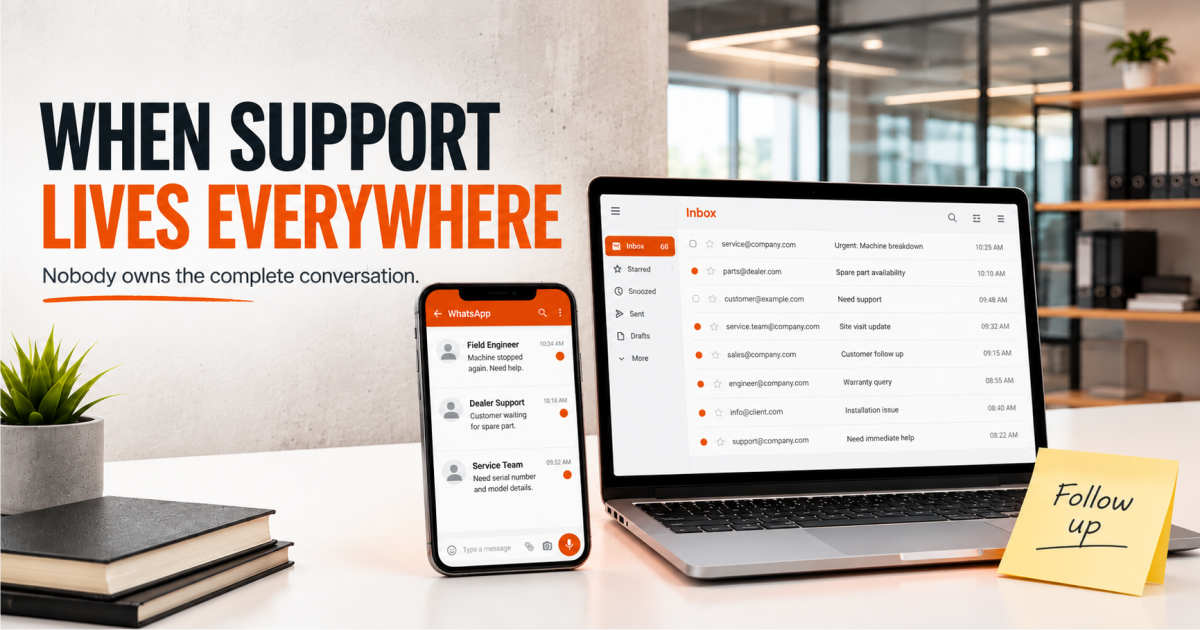
What a self-service portal actually changes for your team
A customer self-service portal moves the work from “someone has to remember” to “the system tracks it.” The ticket owns the follow-up, not a person.
Here is what changes in practice:
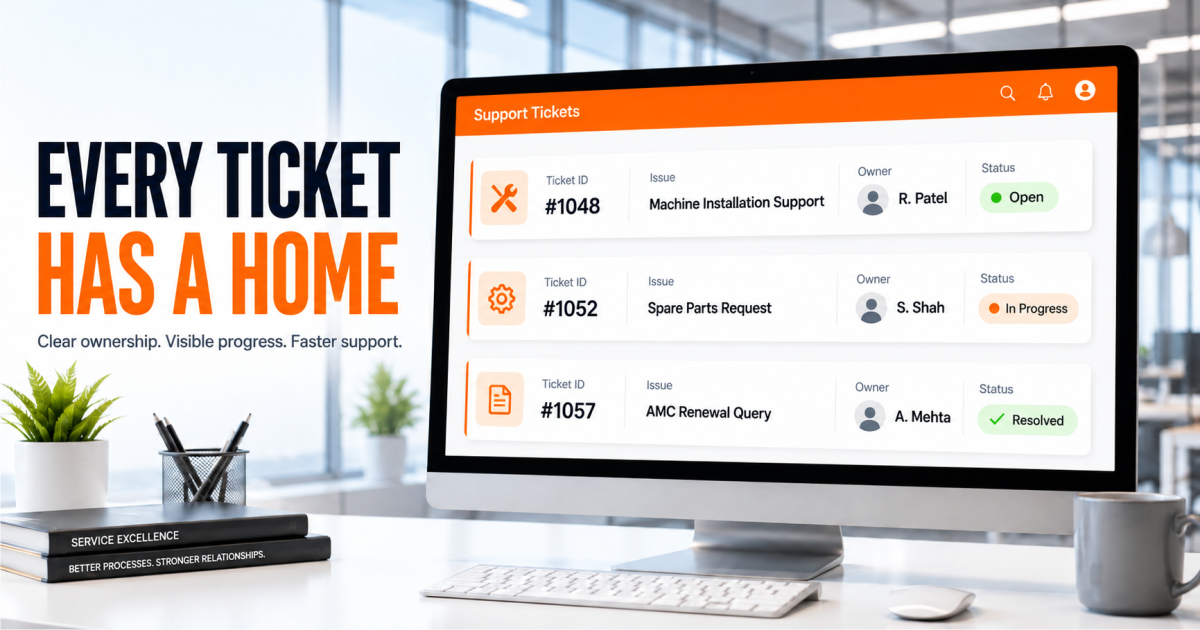
- Every ticket has an owner, status, and next step, so requests do not disappear into a personal inbox.
- Customers can log in and check their ticket status without messaging your team for updates.
- Support requests sit in one queue, making priorities and overdue issues easier to manage.
- Managers can see open issues, ticket age, and where response or resolution is slowing down.
None of this requires your team to change how they talk to customers. It changes where the conversation lives and who can see it.
What to look for in a customer self-service portal
Not every “support portal” claim means the same thing. When you are evaluating one, check for these:
- Customer login and ticket history so customers can return to previous requests.
- Visible ticket status so customers can see whether an issue is new, in progress, or resolved.
- Internal ownership so every request has a responsible person and a clear next step.
- A connection to the CRM record so support history sits alongside customer and account information.
- Reporting on ticket volume, response times, and resolution trends. See also the general concept of self-service.
If a tool only checks the first box, it is a contact form with a login screen. That is not the same thing as a self-service portal.
A support portal built into your CRM
Tickets, status, and customer history in one system — not a separate tool bolted on.
Book a WalkthroughGetting your team to adopt it
The most common reason a support portal fails is not the software — it is that customers were never told it exists, or the team kept answering on WhatsApp out of habit alongside it. This is not a question of discipline. It is a question of structure. If WhatsApp is still an open channel, customers will default to it because it is familiar. The portal has to be where the ticket is logged, even if the conversation starts elsewhere.
A workable rollout looks like this: introduce the portal to existing customers with a short message and a direct link, log every new request there even if it started on WhatsApp or email, and give your support team two weeks of using it before judging adoption. Customers get used to checking status themselves faster than most teams expect — usually because it is less friction than waiting for a reply.
For a standard support and ticketing setup, this can be live for your team in around 30 days, when scope, users, and data are ready.
The bigger shift
A customer self-service portal is not about replacing the human side of support. It is about making sure no issue depends on one person remembering to follow up. When the system owns the ticket, your team’s time goes toward actually resolving issues — not searching for where a conversation was left off.
If your support function is still running on WhatsApp, email, and memory, the portal is the piece that turns “we’ll get back to you” into something a customer can verify for themselves. See how it fits alongside your sales pipeline and follow-up tracking in TargetCRM.
Your customers shouldn’t have to ask “any update?”
TargetCRM’s self-service portal gives every ticket an owner and every customer a status they can check themselves.
Talk to Our TeamFrequently Asked Questions
Before you choose your CRMStart with your workflow, users and tools—not a generic feature checklist.
What is a customer self-service portal?
A customer self-service portal is a dedicated space where customers raise support requests, check status, and view their ticket history without needing to message your team directly for updates.
How is a self-service portal different from WhatsApp or email support?
WhatsApp and email give customers a way to reach you, but no way to check status themselves. A portal gives every issue a ticket, an owner, and a status the customer can see on their own.
Do I need a self-service portal if my support volume is still low?
If your team is answering fewer than ten requests a day, WhatsApp may still work. The portal becomes necessary once ticket volume grows and issues start slipping between threads.
Will customers actually use a self-service portal instead of messaging us directly?
Most customers prefer checking status themselves over waiting for a reply, once they know the portal exists. Adoption depends on your team consistently directing new requests there.
Can a self-service portal connect to our existing CRM?
Yes. A portal that sits inside your CRM keeps support history against the same customer record as sales and account data, instead of living in a separate system.
How long does it take to set up a customer self-service portal?
For standard ticketing and portal setup, this can typically go live in around 30 days, when scope, users, and data are ready.
What should I look for before choosing a support portal tool?
Check for customer login with ticket history, visible status tracking, internal ticket ownership, a connection to your CRM record, and basic reporting on ticket volume and resolution time.