
Marketing automation
Turn campaign responses into structured sales follow-up
Capture leads, identify their source, assign them quickly and keep marketing and sales connected through one operating process.
Bring one real workflow. We will show how it could work in TargetCRM.
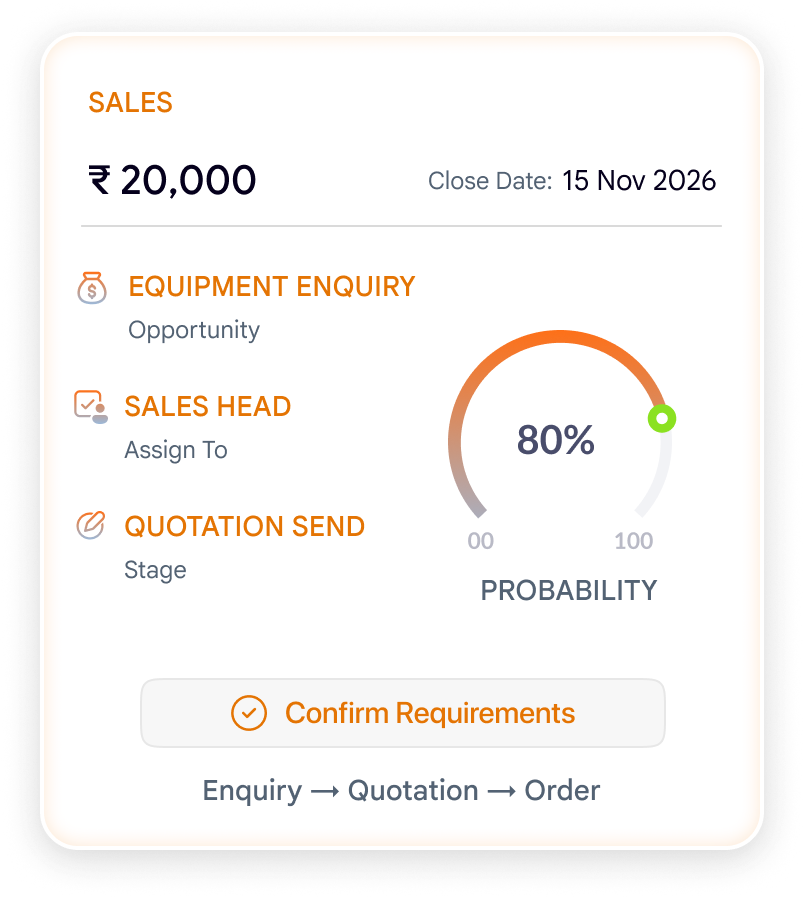
The workflow challenge
Lead generation is wasted when the hand-off breaks
A form submission is not a sales outcome. Neither is an exhibition list or an ad response. Value appears only when each lead is captured, qualified, assigned and followed up.
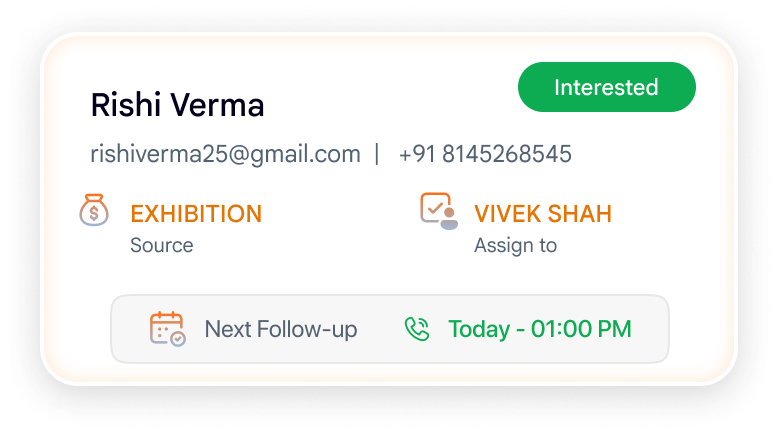
Marketing Automation capabilities
Explore capabilities

Campaign management
Plan campaigns, maintain campaign context and connect responses with subsequent sales activity.

Lead capture and source tracking
Bring leads from forms, campaigns, exhibitions, referrals and connected platforms into a consistent structure.

Assignment and qualification
Route new leads, record qualification and ensure sales ownership is clear.

Nurture activity
Maintain planned communications and follow-up for prospects who are not ready to buy immediately.

Marketing analytics
Review lead sources, campaign responses, conversion movement and follow-up status.
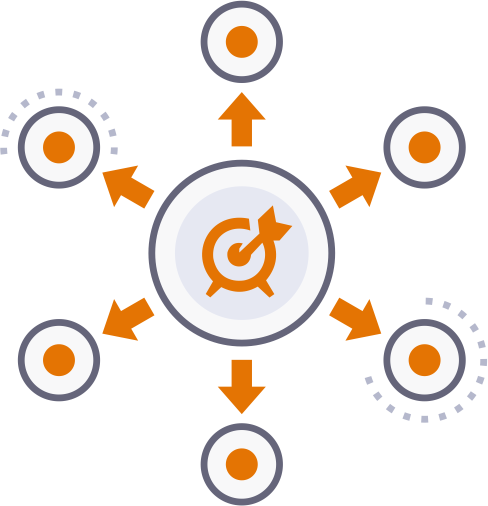
Connected channels
Integration options include Meta platforms, LinkedIn Ads, Gmail, Mailchimp, Brevo and WhatsApp, depending on available APIs and implementation scope.
Measure marketing by what happens after the lead arrives
See whether responses were assigned, contacted, qualified and converted—not simply how many names entered a list.
A CRM configured for how your team works
Standard implementations take 2–3 weeks when scope, users and data are ready. Complex migration, integrations or customisation can take longer.
01. Understand
Discuss the workflow and hand-offs.
02. Agree scope
Confirm priorities, users and data.
03. Configure
Prepare the system and supported data.
04.Train & launch
Help teams adopt the new process.
05. Improve
Support the team and refine.
Support is available through online meetings, telephone, chat and the customer portal. Review the implementation approach →
Frequently Asked Questions
Before you choose your CRMStart with your workflow, users and tools—not a generic feature checklist.
Can TargetCRM capture website leads?
Yes. Website forms can be connected so inquiries enter the CRM with source and campaign context.
Can leads from exhibitions be imported?
Yes. Lead lists can be prepared for import, and business-card scanning can help users capture contact information faster.
Does TargetCRM replace every marketing tool?
No. It connects lead and campaign information with customer follow-up. Specialist tools may remain part of your marketing stack.
Start with one real example
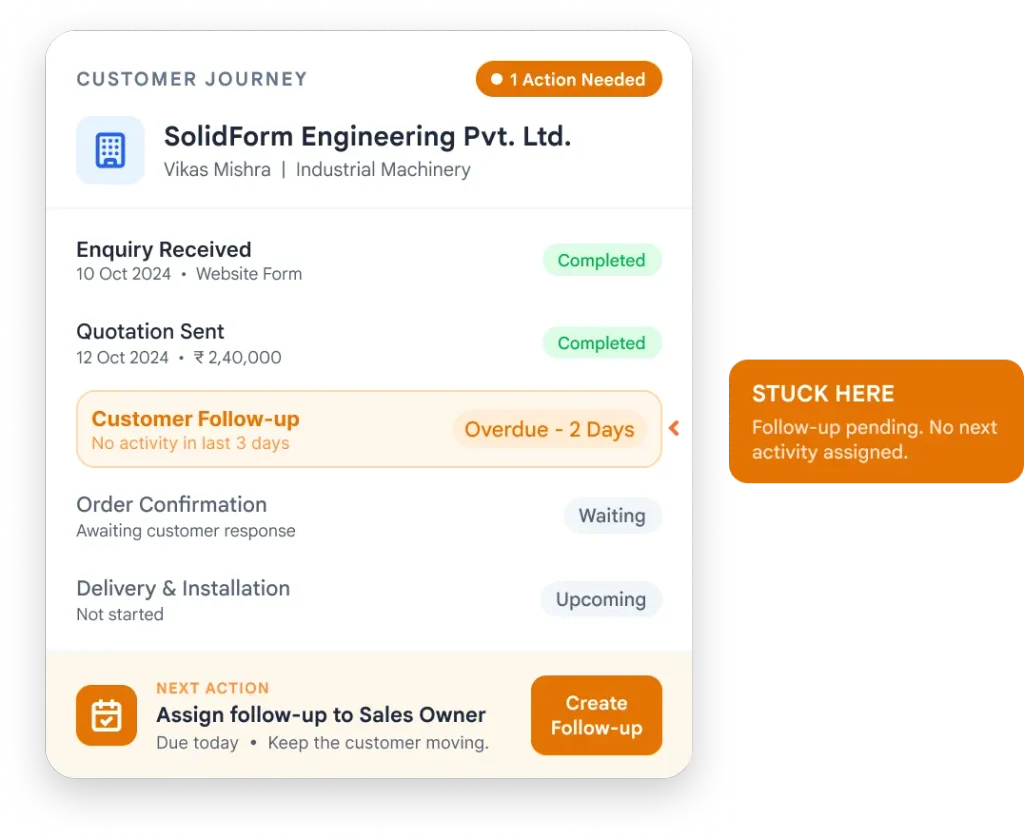
Show us where customer work gets stuck.
A missed follow-up. A sales-to-delivery handover. A service escalation. Bring the process you want to improve.
Email connect@targetcrm.cloud with your workflow and user count.
targetcrm